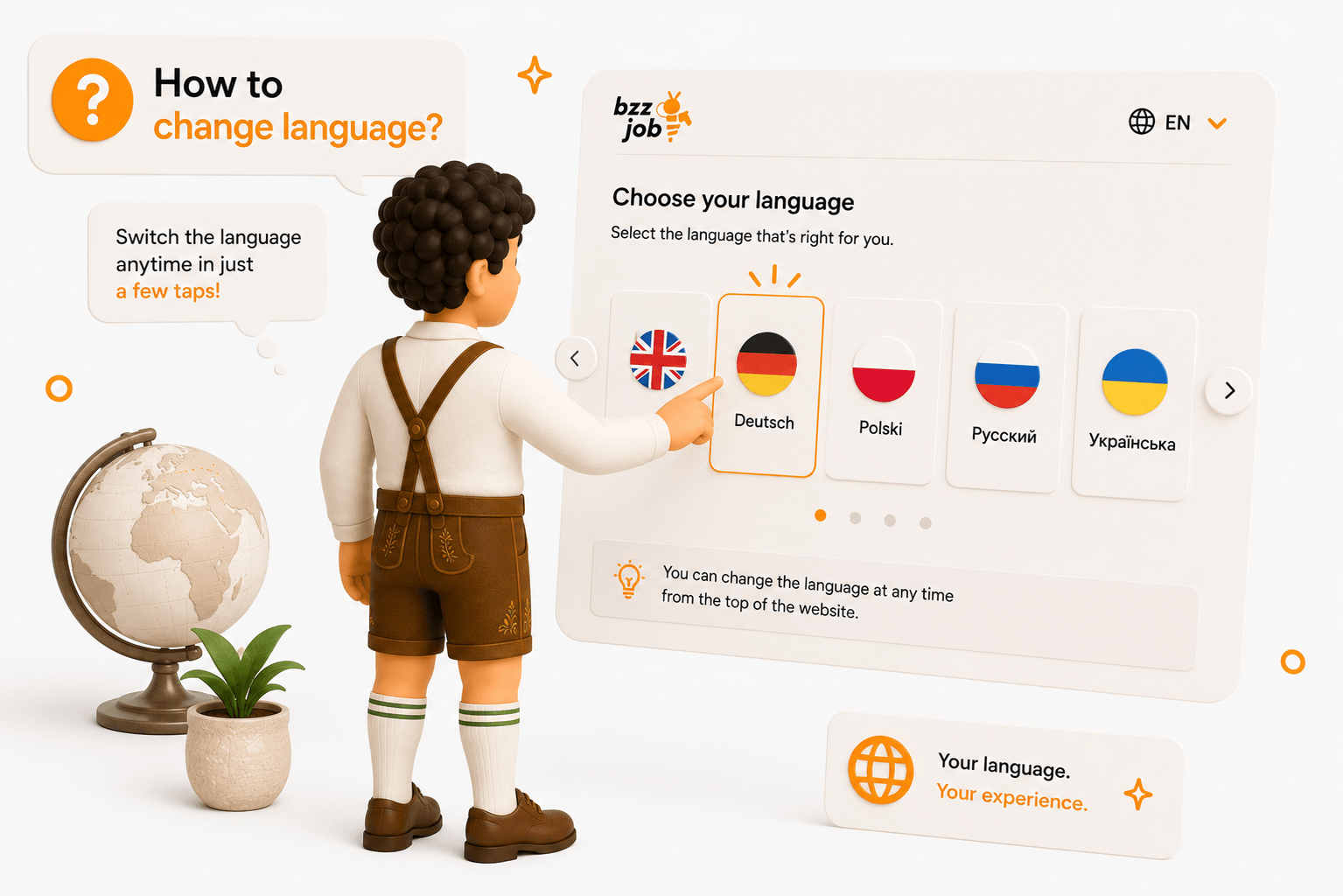
You can change the language using the language switcher in the interface or via your profile settings, if available on the page. Your profile contains a preferred language setting that helps the service know which language to use for you.
After changing the language, the menu and main texts should appear in the selected language, provided a translation exists. If part of the text remains in another language, it is not necessarily an error. It is possible that the material has not been translated yet.
If you use the service regularly, it is best to choose the language you are most comfortable with for reading notifications and filling out information. This reduces the risk of making errors when applying, paying, or configuring your profile.